
 QED
QEDCast
Who appears, how much, and who shares scenes
Cast
The Cast rail shows who's in your story, how much they speak, and who shares scenes. It has three views.
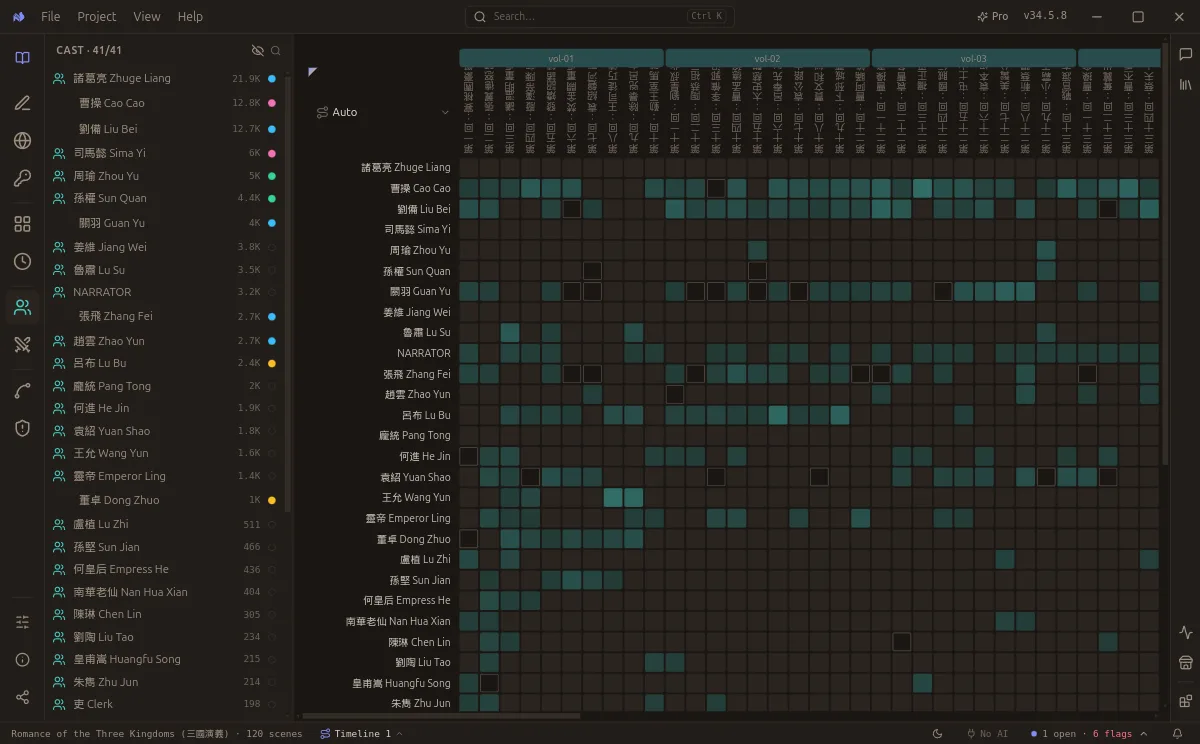
Cast presence across Romance of the Three Kingdoms: who is in the room, scene by scene.
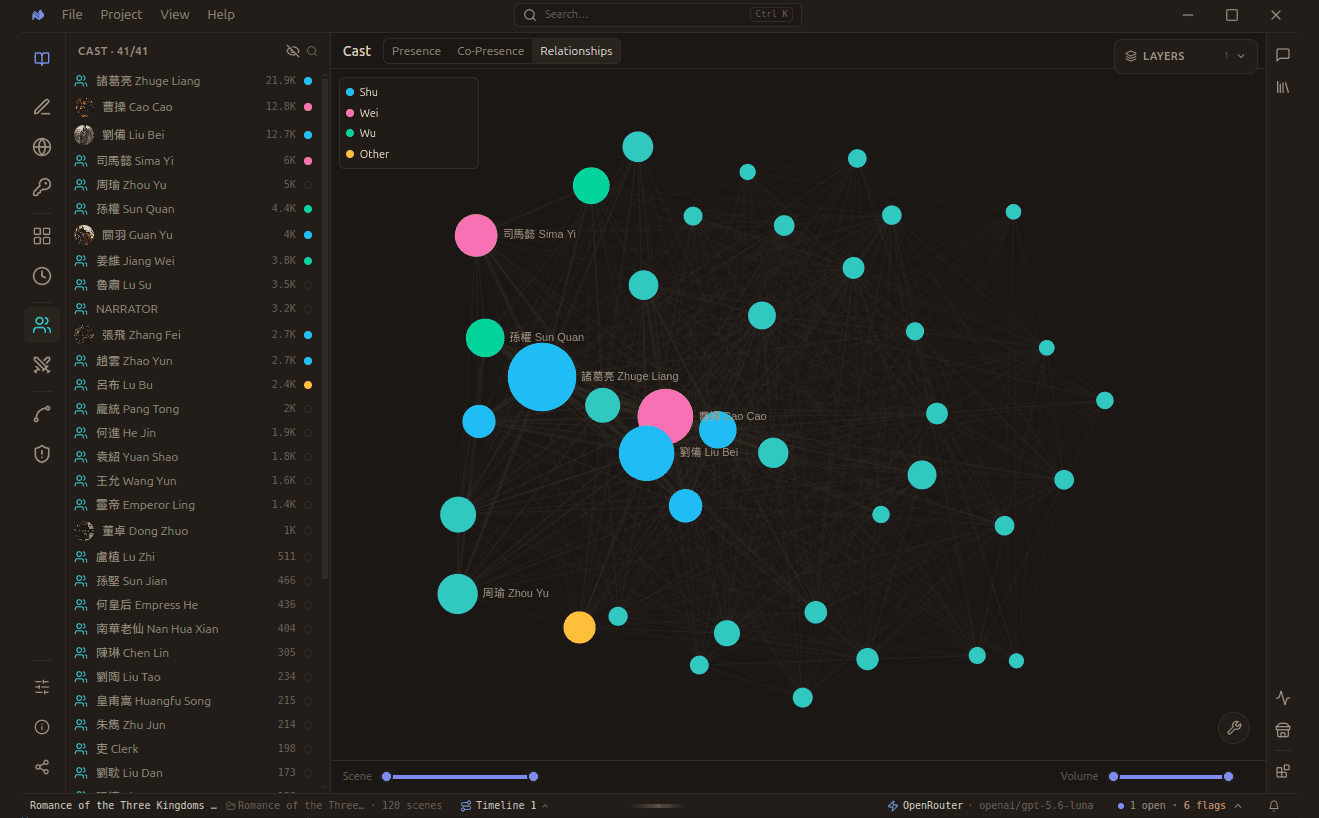
All 41 cast members as one graph. Node size is how much a character speaks, colour is their faction, and edges are shared scenes. The two sliders filter by scene range and by volume, so minor characters can be dropped out of the picture.
Presence
Dialogue-volume bars per scene over a character × scene heatmap, each cell shaded by lines spoken. The wrap bands across the top group the scene columns by your folder hierarchy - one row per level (book · act · chapter) read straight from the story tree, so nesting deeper folders adds bands automatically. The volume bars below are colored by chapter, so each chapter's weight reads at a glance.
Co-presence
How often two characters share a scene - a lower-triangle heatmap. The bright cells are your tightest pairings.
Relationships (graph)
The co-presence drawn as a force-directed graph: nodes are characters (sized by appearances), edges are shared scenes. Drag nodes, scroll to zoom; the scene-range slider limits it to a stretch (e.g. one act).
Reading it
- Hover any cell or bar for its value.
- Click a row (a character) or a column (a scene) to read it in place.
- The lines window trims the cast by how much each speaks - the low thumb hides bit-parts, the high thumb hides the loudest leads (to focus the mid-tier); drag the center to slide the range.
- The sidebar roster picks which characters appear in the matrices - deselect to cut the grid down at scale.